README excerpt
# Metamodel-Examples
Examples of metamodel creation.
### To load in a Moose image:
Execute this in a playgroung:
```Smalltalk
[ Metacello new
baseline: 'MetamodelExamples';
repository: 'github://moosetechnology/Metamodel-Examples:main/src';
onConflictUseIncoming;
load ]
on: Warning do: [ :warning | warning resume ]
```
## First example: a simple SVN metamodel.
For this demo, please checkout the dedicated MooseIDE branch: `DM-demo`.
### Build a model
This script will:
- generate the svn metamodel
- parse the source file provided in this repo to load a model
- install the model into Moose tools
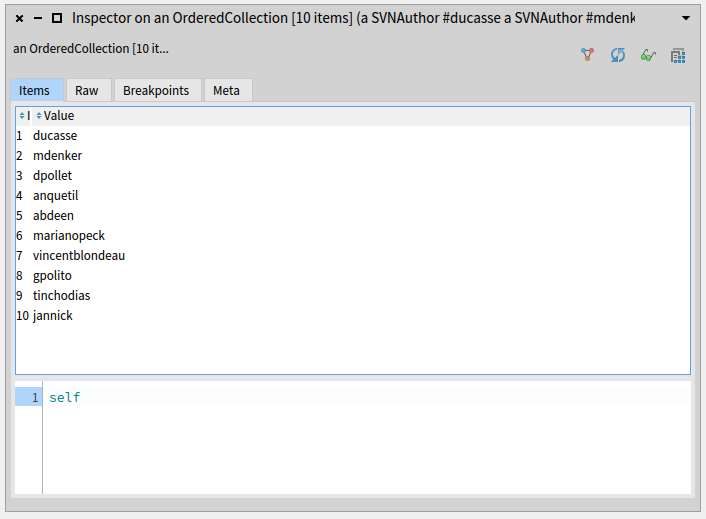
- show the 10 more active authors
```Smalltalk
"Generate the metamodel:"
SVNMetamodelGenerator generate.
"Import model from file:"
importer := SVNVCSImporter runOnResourceFile: 'logLse-bib.txt'.
"Install model in Moose:"
svnModel := importer model.
svnModel name: 'svn'.
svnModel metamodel: SVNModel metamodel.
svnModel install.
"Get first 10 authors"
authors := svnModel entities select: [ :e | e class = SVNAuthor ].
firstAuthors := (authors sort: [ :a :b | a commits size > b commits size ]) first: 10.
```
The 10 first authors:
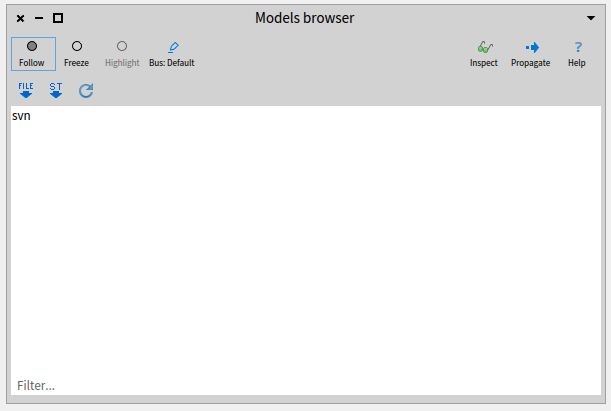
Open Moose Models browser: the model is here:
### Explore the model: build a distribution map
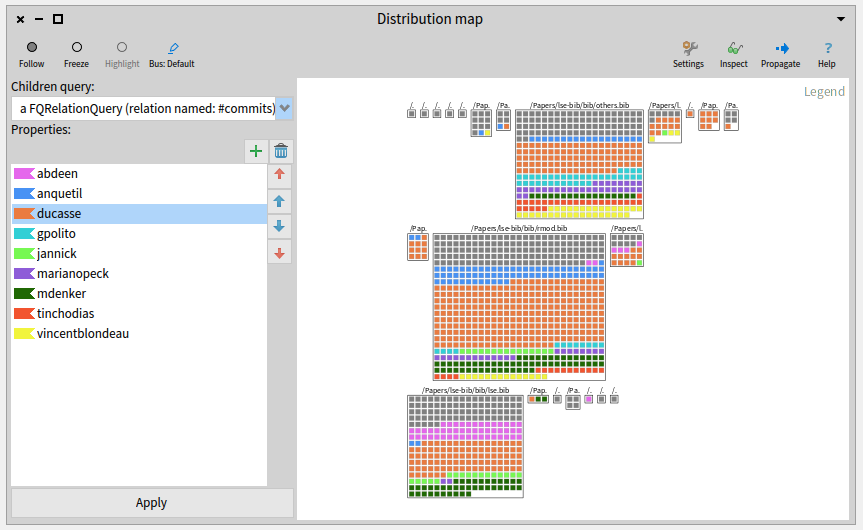
We will show a distribution map of all files in the model.
The child entities will be the commits that modified each file.
We will tag the commits by author.
#### Child Query
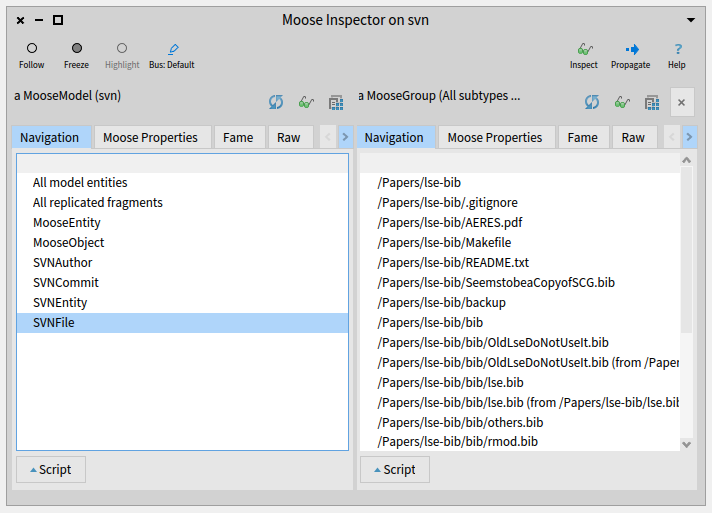
- Inspect the model in Moose and propagate all model files.
- Open a Queries browser.
- Build a relation query on commits. You should get 1250 commits.
#### Queries for intent tags
- From the inspector, propagate all model commits.
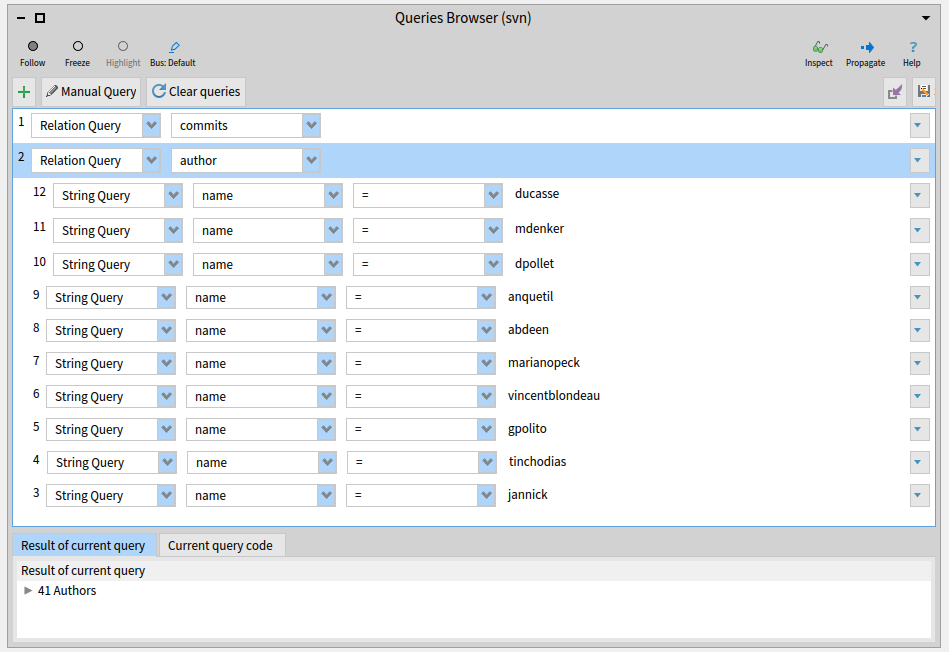
- In the Queries browser, build the queries as shown in the image below:
- 1 relation query on authors (Q2 in the image)
- As children of Q2, 10 string queries: name = *Author name*. Where author names are the names of the 10 most active authors.
#### Intent tags
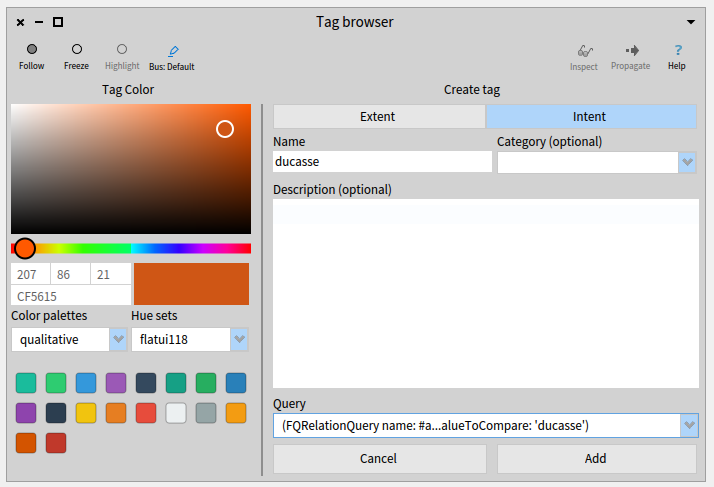
Open the tag browser and create 10 intent tags, 1 for each author:
#### Distribution map
- Open the Distribution map browser. Be sure the last entities you propagated were the model files.
- Choose the first query you created as Child query
- Add the tags you created
- Apply