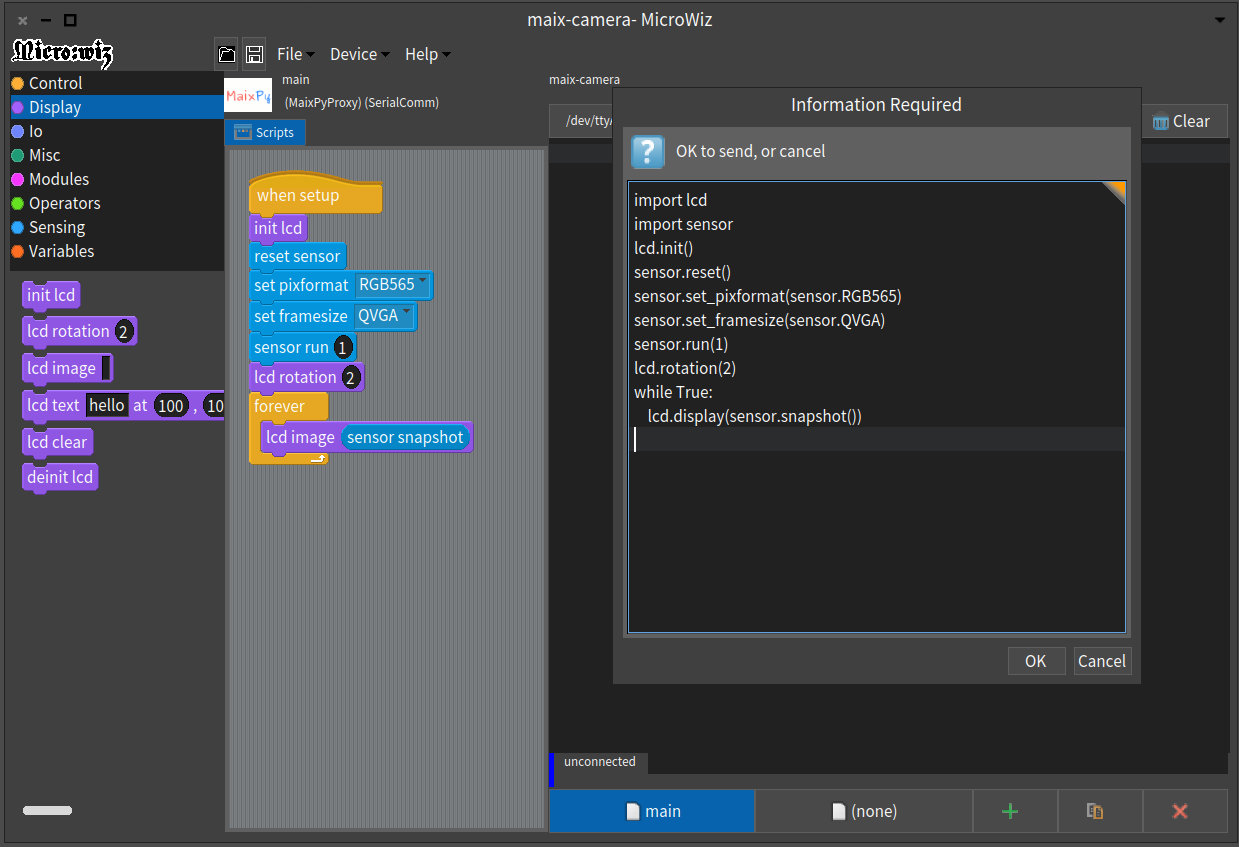
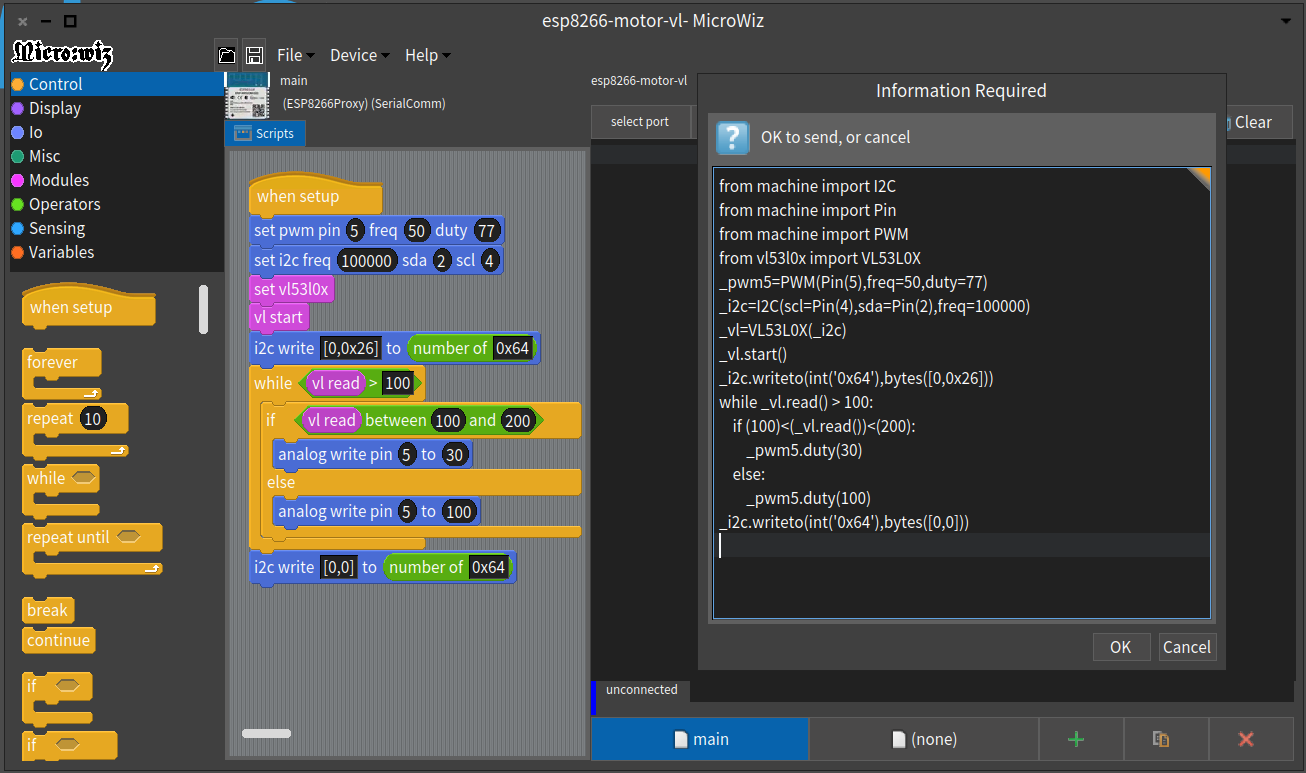
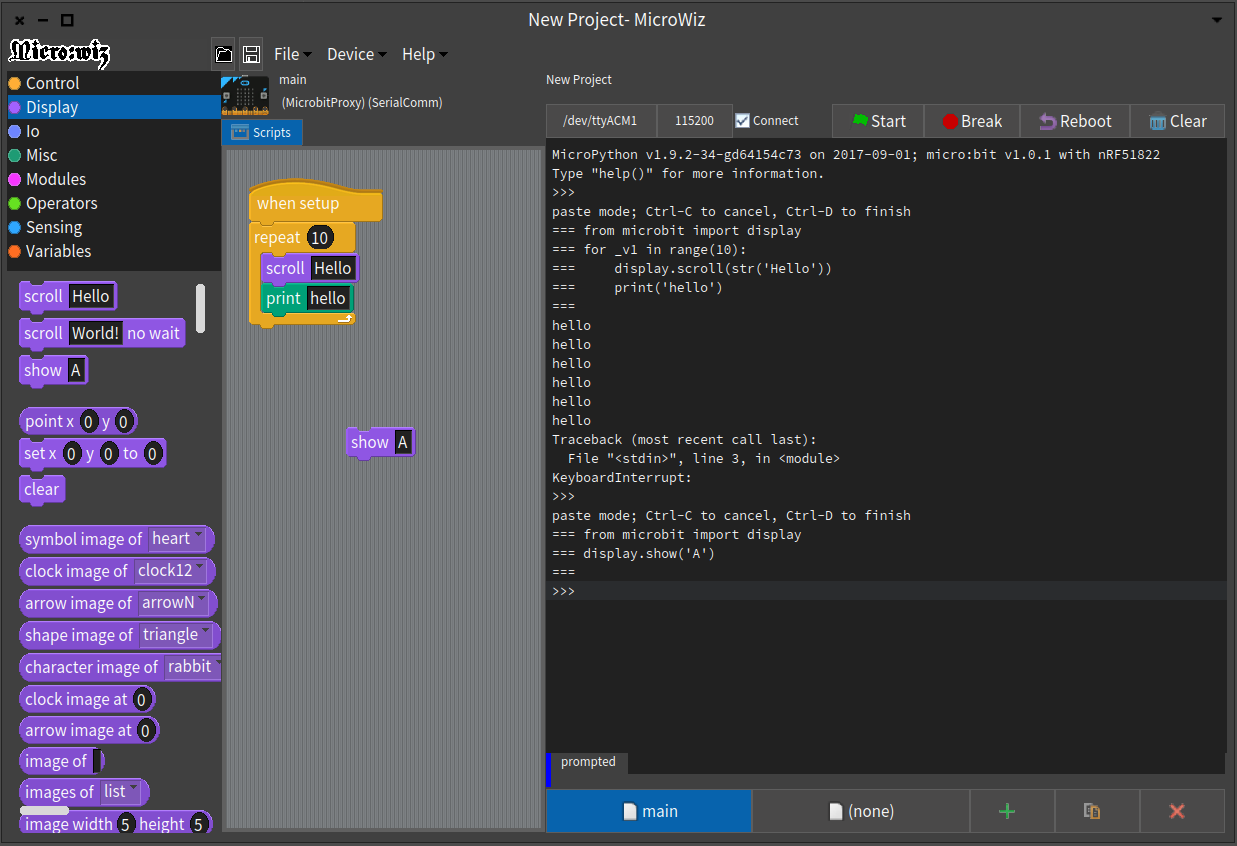
Block-style programming environment for making MicroPython program, based on MIT Scratch.
# MicroWiz
Block-style programming environment for making MicroPython program, based on MIT Scratch.
MicroWiz is built on Pharo Smalltalk 8.0. Almost all Model and UI are rewritten using Spec2.
[](https://travis-ci.com/EiichiroIto/MicroWiz)
## Prerequisites
You need to install MicroPython firmware on your device before using MicroWiz.
See,
* micro:bit [https://microbit-micropython.readthedocs.io/en/v1.0.1/]
* Maix Py [https://github.com/sipeed/MaixPy]
* other devices [https://micropython.org/download]
## Install for Windows
1. Go to [release page](https://github.com/EiichiroIto/MicroWiz/releases), and download the latest release file.
2. Extract the zipped release file.
3. Start Pharo.exe application.
(MicroWiz will automatically start.)
## Usage
1. Select appropriate device from [Device] menu.
2. Plug serial cable into PC and device.
3. Select port on top right pane then click Connect button.
4. (make your program)
5. Double click the block you made, then the program runs after sending to the device.
## Install repository on Pharo (for developer)
```
Metacello new
baseline: 'MicroWiz';
repository: 'github://EiichiroIto/MicroWiz/src';
load.
```
To start MicroWiz, select [Tools] - [MicroWiz].
## License
MIT License
## Demo and Screenshots
https://www.youtube.com/watch?v=SF__SnhBmW4